Introduction to Osu!Mania
2/12/2021 by: ZuKi
Harro╰(*°▽°*)╯
So you want to try out Osu!Mania?
You can download Osu!Mania from Osu! Official website with the link here.
Then install the game, create your account and let's get started.
After installing the game
this will be the first thing that you will see in Osu!
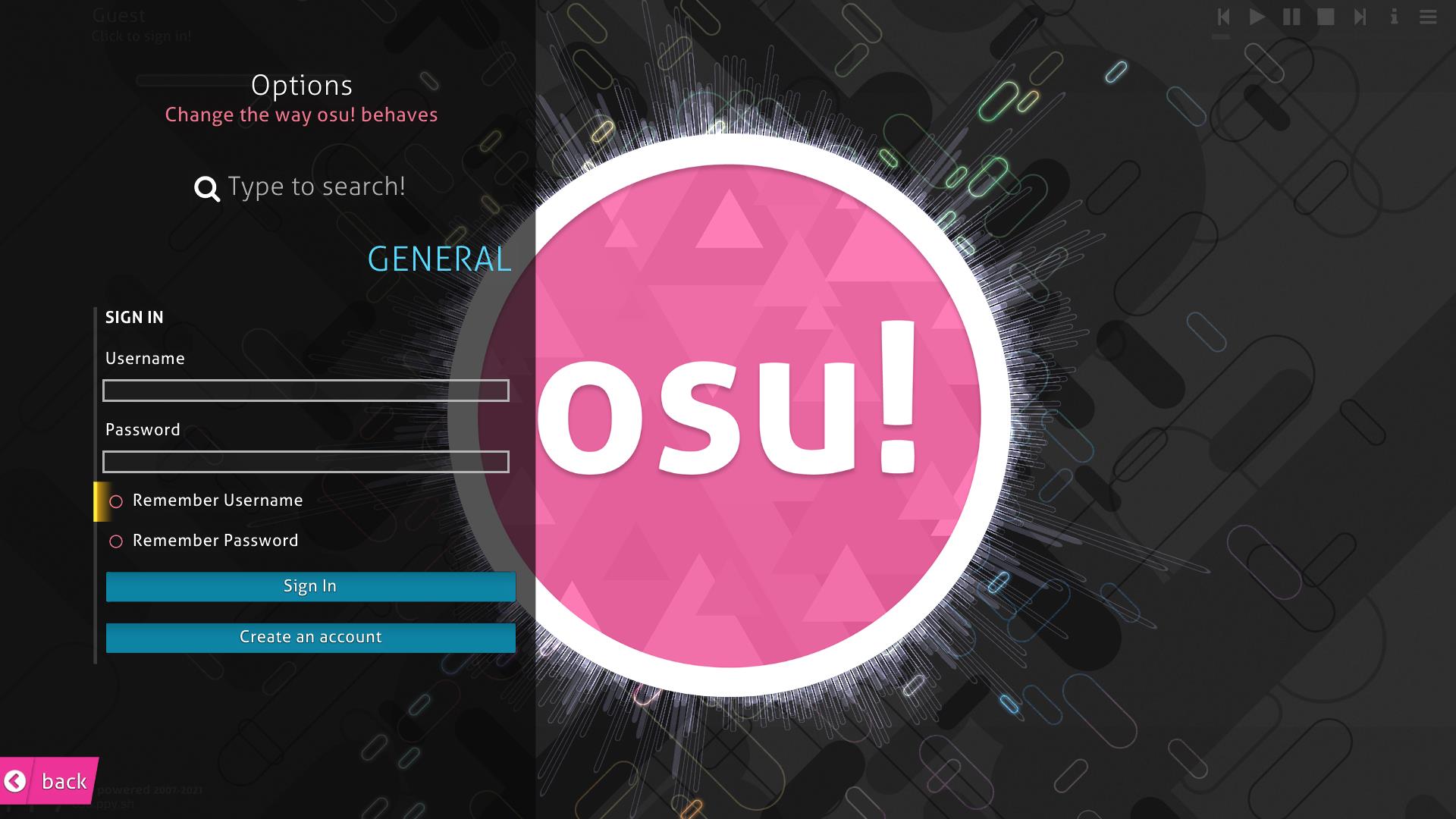
log into the game using your account and then go to Osu! website to download some beatmaps to try out.
Don't forget to select Osu!mania section before downloading the beatmaps.
The difficulty is rated by Star rating, the lower the star the easier the song is so just download some easy stuff to try out first if you are a beginner.
After downloading a beatmap open them and osu will automaticly move the file for you.
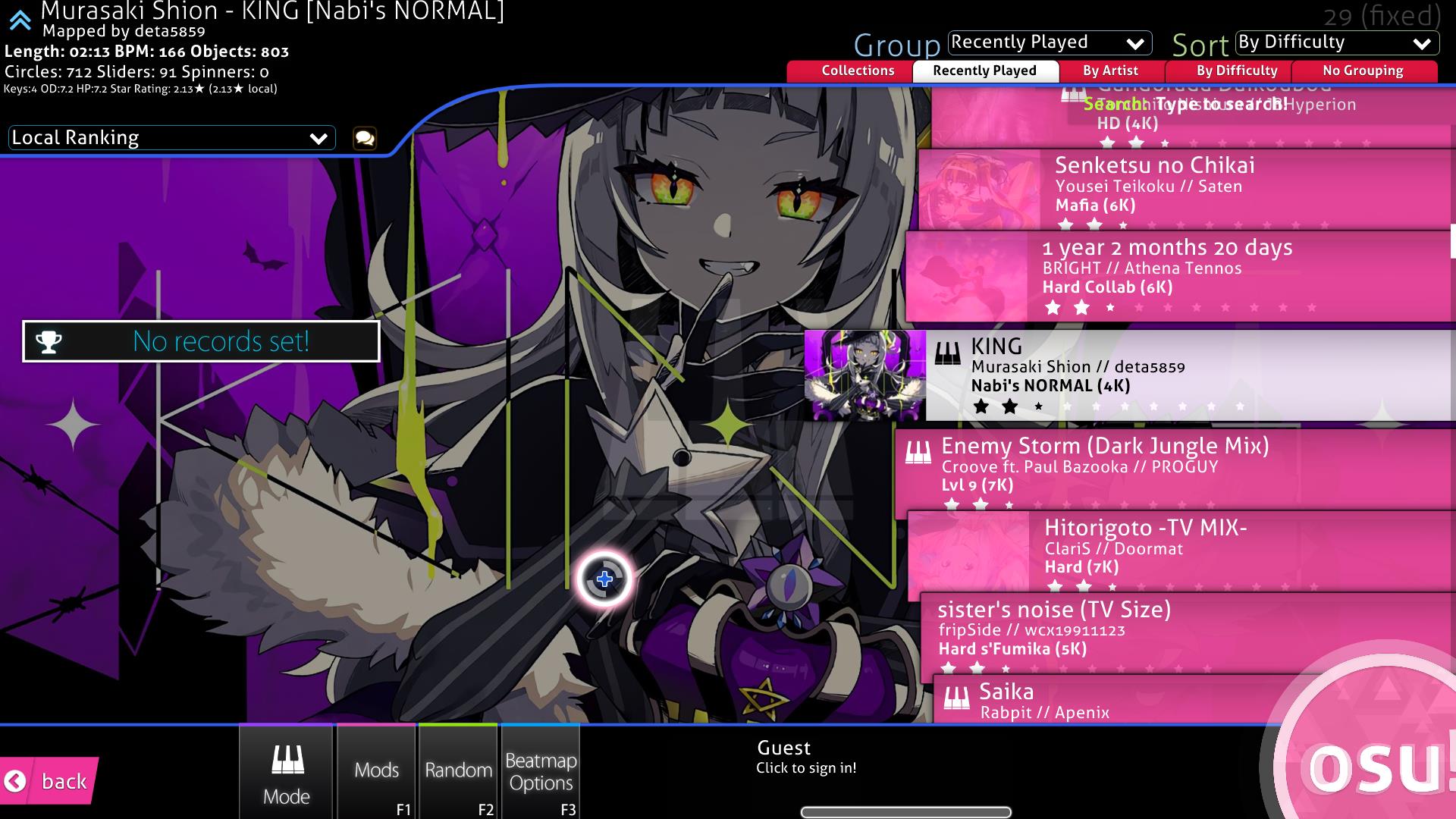
So I've download some beatmaps. Let's play this.
OH! wait
I forgot to tell you that there are two main key mode which is 4Key and 7Key.
7Keys is slightly harder than 4Key because you use 7Keys so choose what you wanna play carefully.
Default keybinds for 4Key is DF JK so place your left hand index and middle on DF and right hand on index and middle on JK.
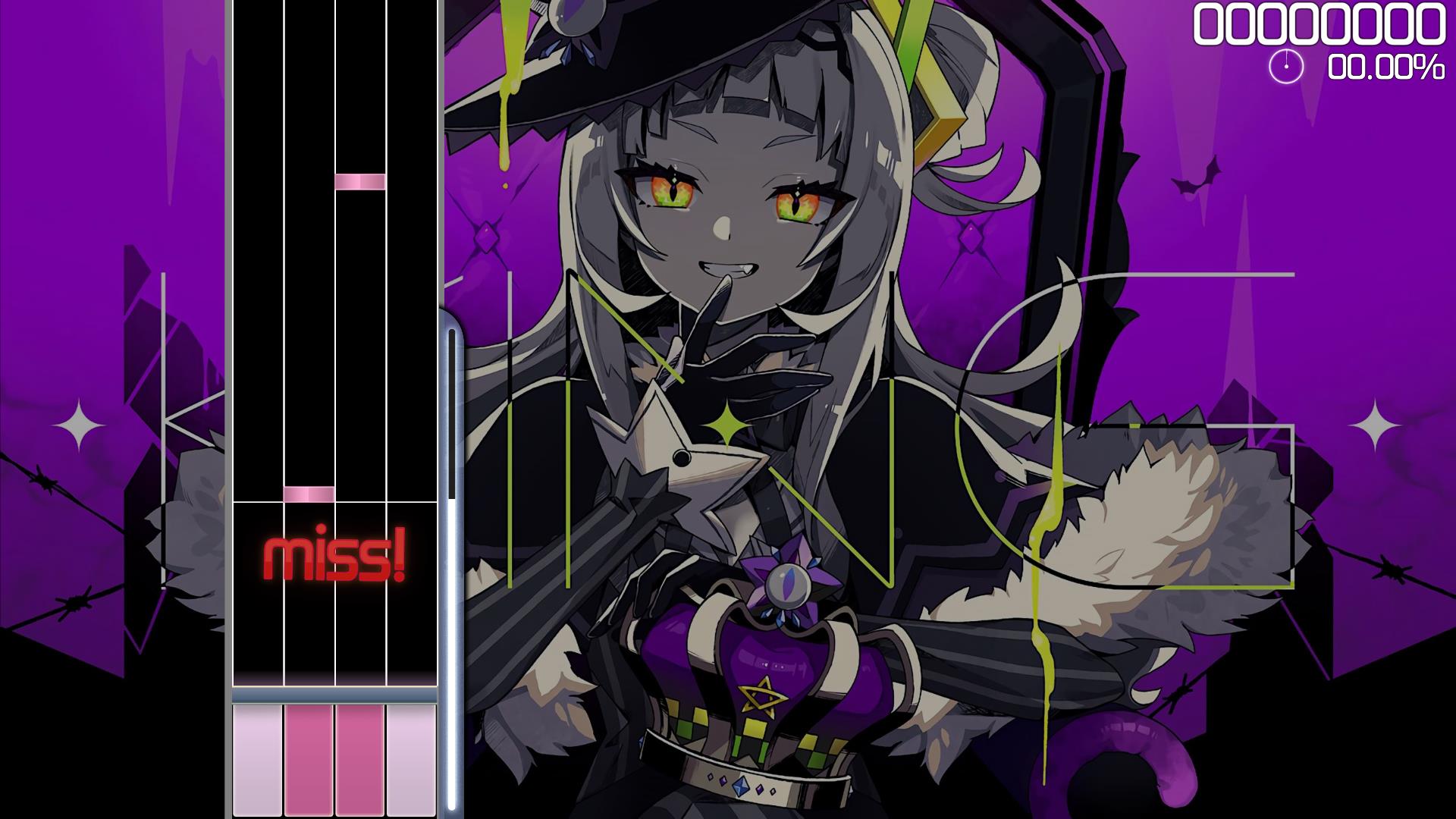
if you are feeling that the notes are too slow or too fast you can adjust the scroll speed using CRTL + - to decrease and CRTL + = to increase the scroll speed.
And there you go!
This is just the very beginning of the game so don't forget to check out more in our blog if you wanna find more helpful tips in the future hope you enjoy the game and i'll see you next time good bye!